
Typical workflow
Pick a sort mode based on what you care about most.
Use one or two filters to narrow the field.
Open the wallets that match the behavior profile you want.
What data is inside
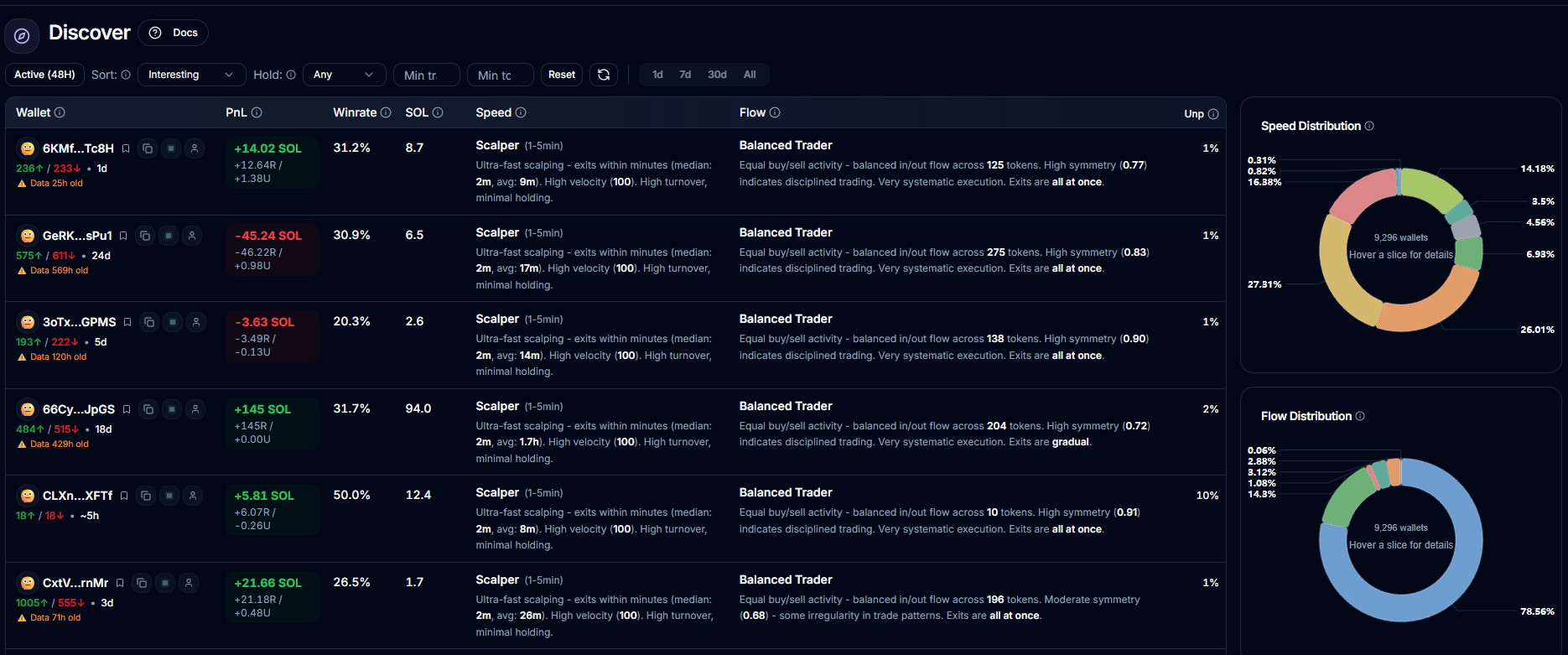
Cached analytics snapshots for wallets that already have PnL data.
Behavior classifications such as speed category, flow pattern, and token breadth.
Reason text explaining why a wallet was surfaced.
Aggregated speed and flow distributions for the filtered set.
What to expect
This is curated discovery, not a full historical search across every wallet.
Very recent activity can lag because the page relies on existing analysis snapshots.
Some surfaced wallets may show stale warnings if their analysis is old.
Limits
24 wallets per page in the UI.
Server page size is capped at 40.
API responses are cached for 120 seconds and the page also keeps a short local cache.