
Dashboard Docs

Clear product documentation for every workflow in the dashboard.

Use the overview to pick the right tool, then open a focused guide for workflow, data, limits, and the live page.

How to use this section

Start with the guide that matches the task. Then check the expectation and limits sections before you trust the output.

Use the overview to choose the right page.

Use the feature guide to understand the workflow.

Use the live product page for actual interpretation.

Platform overview

Preview
Platform overview screenshot

Design principles

Start with the workflow the user is trying to run.
Explain what the page returns before listing every feature.
Call out limits, freshness, and queued behavior early.

What this overview is doing

It gives you the map of the product surface. The individual guides explain one tool at a time.

Guides

Every guide answers the same core questions: what the tool is for, how it works, what data it shows, and what limits matter.

Guide

Discovery

Find wallets that already stand out in the system by behavior, PnL, and activity.

Best for

Finding new wallets to study.

Why it matters

This is the fastest way to go from no idea to a shortlist worth opening.

Typical workflow

  1. 1Pick a sort mode based on what you care about most.
  2. 2Use one or two filters to narrow the field.

Guide

Tracked Wallets

Save wallets into a working list so you can organize them, refresh them, and compare groups over time.

Best for

Building named cohorts around themes or strategies.

Why it matters

This is the operating layer for your own wallet watchlists.

Typical workflow

  1. 1Add a wallet manually or import a list.
  2. 2Assign nicknames and collections so the list stays usable.

Guide

Similarity Lab

Compare wallets by overlap and capital allocation to uncover clusters, mirrors, or coordinated behavior.

Best for

Testing whether a wallet cluster really trades alike.

Why it matters

This turns a wallet list into relationship intelligence instead of isolated profiles.

Typical workflow

  1. 1Paste at least two wallets, or start from a token and select holders.
  2. 2Queue the async job and wait for the comparison result.

Guide

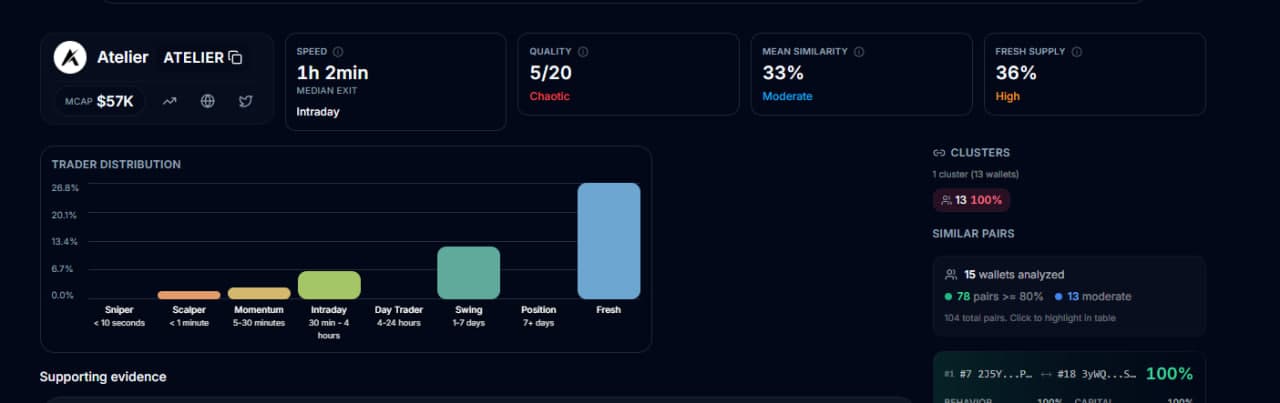
Holder Profiles

Turn a token holder list into behavior profiles so you can understand who the holders are, not just how many there are.

Best for

Inspecting the top holder base of a token.

Why it matters

This is the quickest route from holder count to holder quality.

Typical workflow

  1. 1Token mode: paste a mint and choose Top 10, 25, or 50.
  2. 2Wallet mode: paste wallet addresses directly when you already know the wallets you want.

Guide

Wallet Hunt

Capture multiple token holder snapshots and surface wallets that keep recurring across them.

Best for

Tracking recurring wallets across launches.

Why it matters

This is built for finding repeated actors across launches, metas, or related token sets.

Typical workflow

  1. 1Create a hunt.
  2. 2Add token snapshots for the launches or tokens you want to compare.

Still confusing?

Good documentation feedback is specific: which guide, which task, and which step or expectation was unclear.